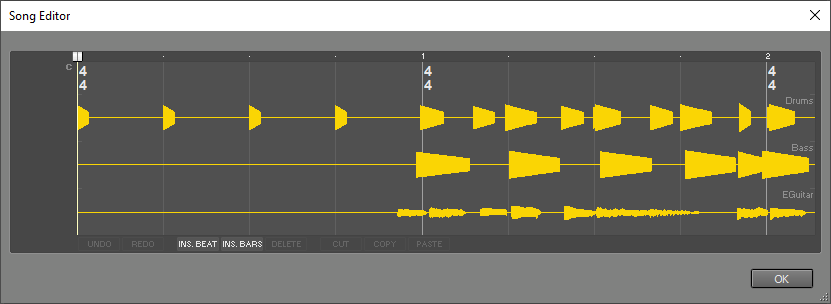
Song Editor
The Song Editor can be used to insert or remove parts of a song. It always works in 'Ripple mode', regardless of the Ripple button at the top of the main window. The song editor works in 'bar mode' if there are any MIDI tracks, regardless of the Bars button at the top of the main window.
The song editor affects "everything":
- Audio / MIDI files opened in the tracks
- Tempo and Time Signature
- Key Signature (as seen in Score editors)
- Chords and Lyrics
- Markers
- Automated Fader effects
- Automation data (Pro edition)
The Song Editor can't be used while the transport is running.